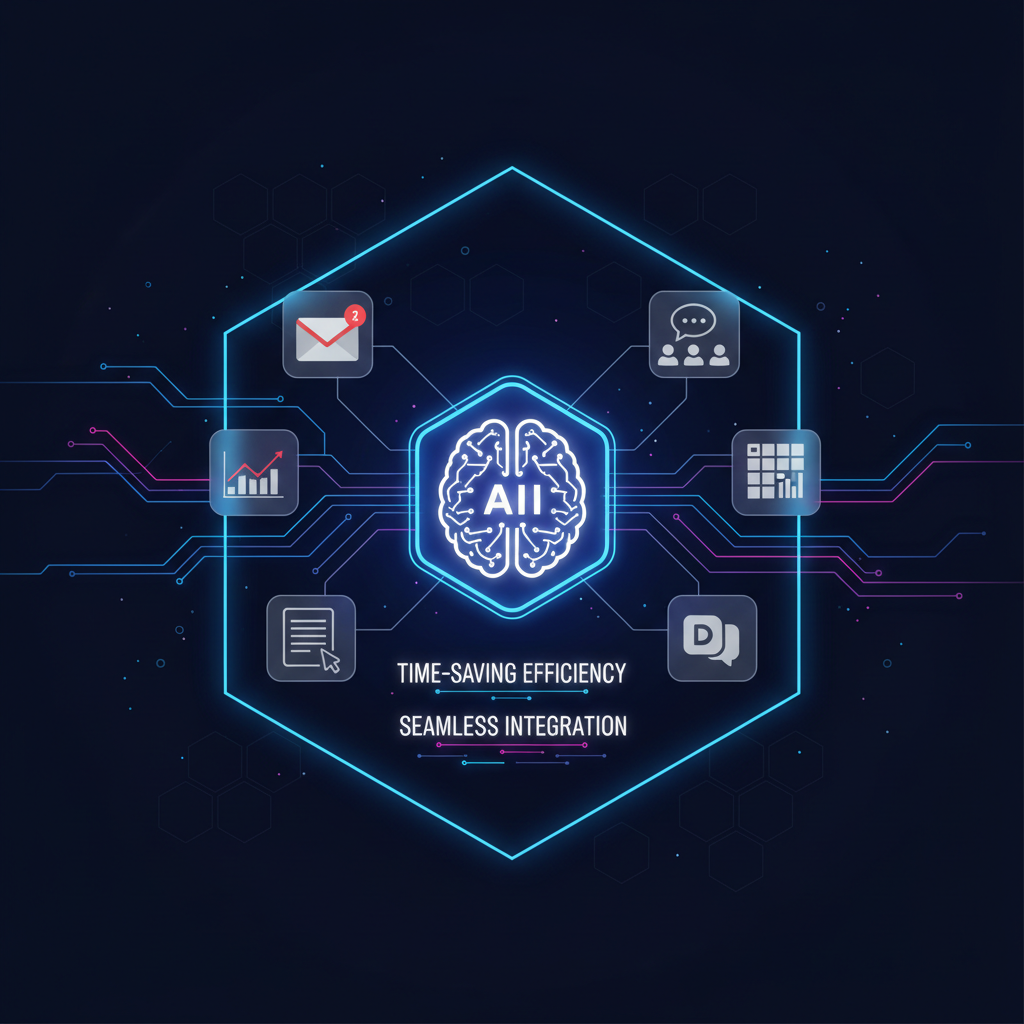
Google Workspace Intelligence: The central brain that finally connects all parts of your work
Gemini is becoming the organizational intelligence layer: Why this changes the rules of the game and how it will save you hours of grueling work?
One of the most painful problems in modern work is "information islands." Your tasks are in Gmail, statistical data is buried inside Sheets, summaries are in Docs, and ongoing communication takes place in Google Chat. Until today, to get a full picture of a project, we had to jump between five different tabs and try to connect the dots in our heads.
Google has announced Google Workspace Intelligence, an artificial intelligence layer designed to turn the familiar collection of apps into a single smart and synchronized unit. This is not just an addition of a chatbot, but a change to the workspace architecture. Starting today, the system is available to Workspace customers and AI Pro and Ultra subscribers, and it brings with it a new capability: Context.
Not just text generation – understanding workflows
The most significant news in Workspace Intelligence is the ability of the AI to "see" everything happening in your account simultaneously. Thanks to the advanced Gemini 1.5 Pro model, which is equipped with a huge context window, the system is able to scan thousands of emails and documents in seconds to give you precise answers.
What does this mean in practice? Here are some examples of the change in daily life:
- •Google Chat as a control center: Instead of searching through emails for the tasks you received, you simply ask Gemini within the chat: "What are the most urgent things I need to handle today based on recent emails and documents?". The system will scan the correspondence and generate a prioritized to-do list for you.
- •Creating presentations in Slides from existing content: Gone are the days of copy-pasting from specification documents into a presentation. You can ask Gemini to build an entire presentation in Slides based on a specific Doc file, all while maintaining the brand language and organizational design.
- •Data analysis in Sheets in free text: Instead of getting tangled in complex VLOOKUP formulas, you can simply describe to the system what table you want to build or what data analysis to perform, and it will set up the sheet for you.
- •Summarizing endless email threads: Did you join a project halfway through? Gemini in Gmail can summarize a thread of 50 messages for you and highlight only the decisions made and the Action Items that concern you.
The side panel: A personal assistant at any moment
One of the most noticeable improvements is the new Side Panel. This is a sidebar that appears within all Workspace apps and allows you to communicate with the AI without leaving the document or email you are working in. This panel can perform cross-app actions, such as taking data from Drive and drafting a client proposal email based on it within seconds.
In addition, Google introduced the concept of AI Teammates (AI agents) – artificial intelligence entities that can be given a specific role in the organization, access to chat channels and certain documents, and they become part of the team that tracks tasks and summarizes meetings in Meet automatically.
Who is this for?
The update is particularly relevant to organizations that want to implement automation and AI without spending months developing custom solutions (No-code at its best). This is an out-of-the-box solution that allows every employee to become a product manager of their own information.
Summary and conclusions
Google Workspace Intelligence marks the shift from generative AI (that creates content) to agentic AI (that performs actions). The real power here is not in the ability to write a poem or summarize an article, but in the semantic connection between all parts of your information.
If you are already working in the Google ecosystem, this is an upgrade that changes the dynamics of work: fewer searches, less boring technical work, and more time to focus on decision-making and creativity.
Want to delve into the technical details? Here are some links to help you get started: