The Developers' Focus Plague: How Claude Code's New Feature Solves Our Biggest Concentration Problem
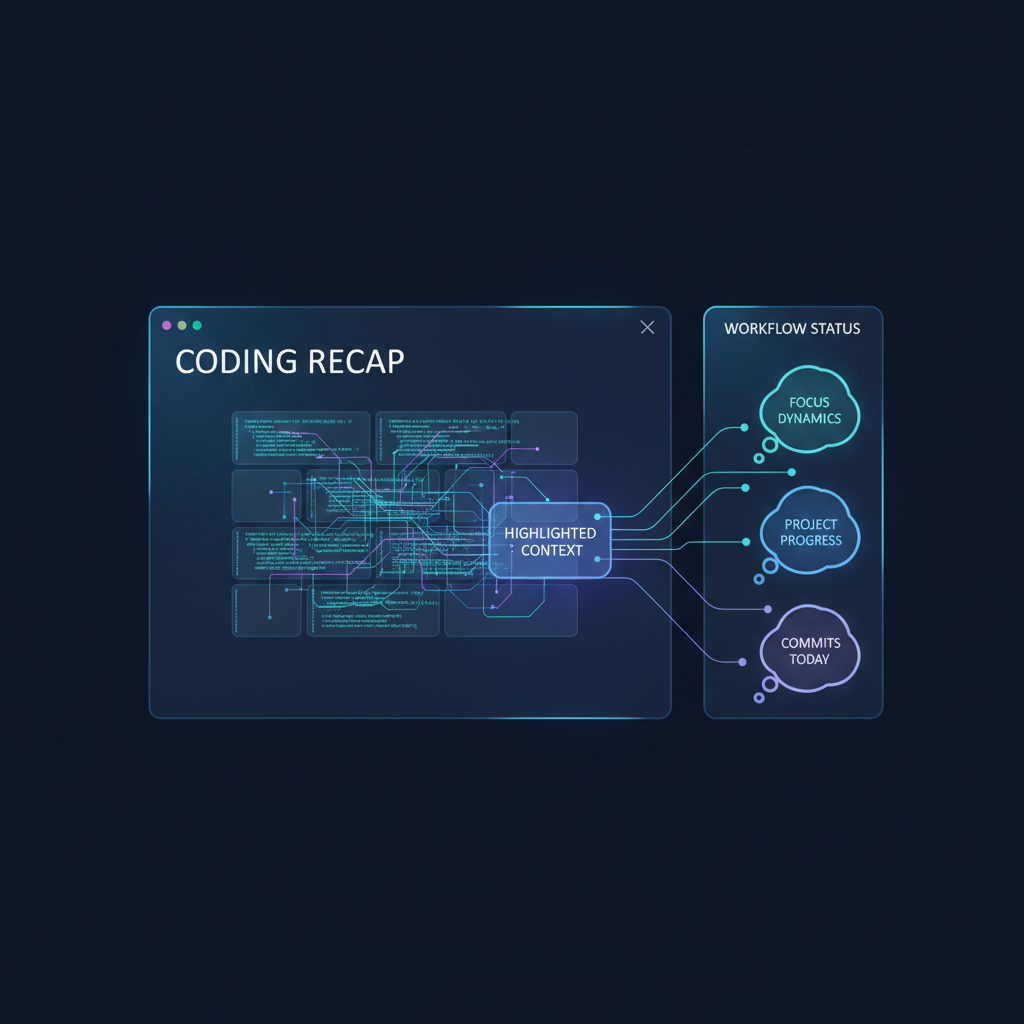
Meet Recap: Claude Code's new terminal ability that will help you stop wasting time on the question "wait, where did I stop?"
We all know that moment: you are deep inside debugging a complex function, suddenly an urgent message arrives in the team chat, or someone comes over to ask a question. You leave the terminal for 5 minutes, come back, and discover you have lost your train of thought. What was the next step? Did I already run the tests? What did Claude suggest doing a moment ago?
In the world of development, Context Switching is the silent killer of productivity. Studies show it takes us an average of about 23 minutes to get back to full focus after an interruption. Now, Anthropic is releasing a small but critical update to its CLI tool, Claude Code, designed to attack exactly this pain point.
What exactly is Claude Code Recap?
The new feature, added in the latest versions of the tool (starting from version 2.1.108), is an automatic mechanism that summarizes the current state of work for you. Every time you leave the terminal window (Unfocused) for more than 3 minutes and come back to it, Claude will automatically show you a one- or two-line summary describing what happened in the current session and where things stand.
Unlike regular chatbots that simply wait for the next command, Claude Code understands that it is part of a dynamic work environment. It produces this summary in the background while you are away, so the moment you click back into the terminal, the information is already there, waiting for you.
How does it work under the hood?
The beauty of the Recap feature is that it requires no active action from you, but it is smart enough not to be a burden:
- •Trigger conditions: The summary will appear only if at least 3 minutes have passed since the last action and the session includes at least 3 conversation steps (Turns). This prevents a flood of unnecessary summaries on short tasks.
- •Using Prompt Caching: Claude uses its cache memory mechanism to understand what the last context was without wasting too many tokens (Tokens).
- •Full control: Feel like it's getting in your way? You can easily turn it off through the
command or by setting the environment variable/config
.CLAUDE_CODE_ENABLE_AWAY_SUMMARY=0
Why use this (and not only VS Code)?
Many ask themselves: why work in the terminal when there are Cursor and IDE extensions? The answer lies in agentic behavior. Claude Code is not only a writing assistant. It is an agent that can run Shell commands, read files, and run tests independently.
When working on large projects with dozens of files, the ability to get an instant reminder such as: "We are in the middle of a refactor of the Auth module, the last test failed because of an import error in login.ts" is a Game Changer. It saves the discouraging scroll up in the terminal to read the latest logs.
Tips for advanced users of Claude Code
- •Manual summary: If you want a summary here and now without waiting 3 minutes, just type
. This is great before you close your computer for the day./recap - •Using CLAUDE.md: To make the summaries (and Claude's work in general) more accurate, it is worth keeping a file named
in the project root with specific guidelines about your code structure. Claude reads it in every session and uses it to give better context.CLAUDE.md - •Memory management: If the session gets too long and a bit "messy," use the
command. It will help Claude summarize everything that happened so far and free up space in the working memory (Context Window) for new tasks./compact
Summary and conclusions
The latest Claude Code update proves that Anthropic understands the developer's user experience well. Recap is not a flashy artificial intelligence feature that creates images, but a practical work tool designed to reduce cognitive friction.
In a world where we are bombarded with notifications, the tools that really win are the ones that help us stay in the "Flow." If you haven't yet tried moving part of your development process to the terminal with Claude Code, this is a great time to start.
Want to stay up to date on the hottest tools for working with AI?